

Sync video to audio
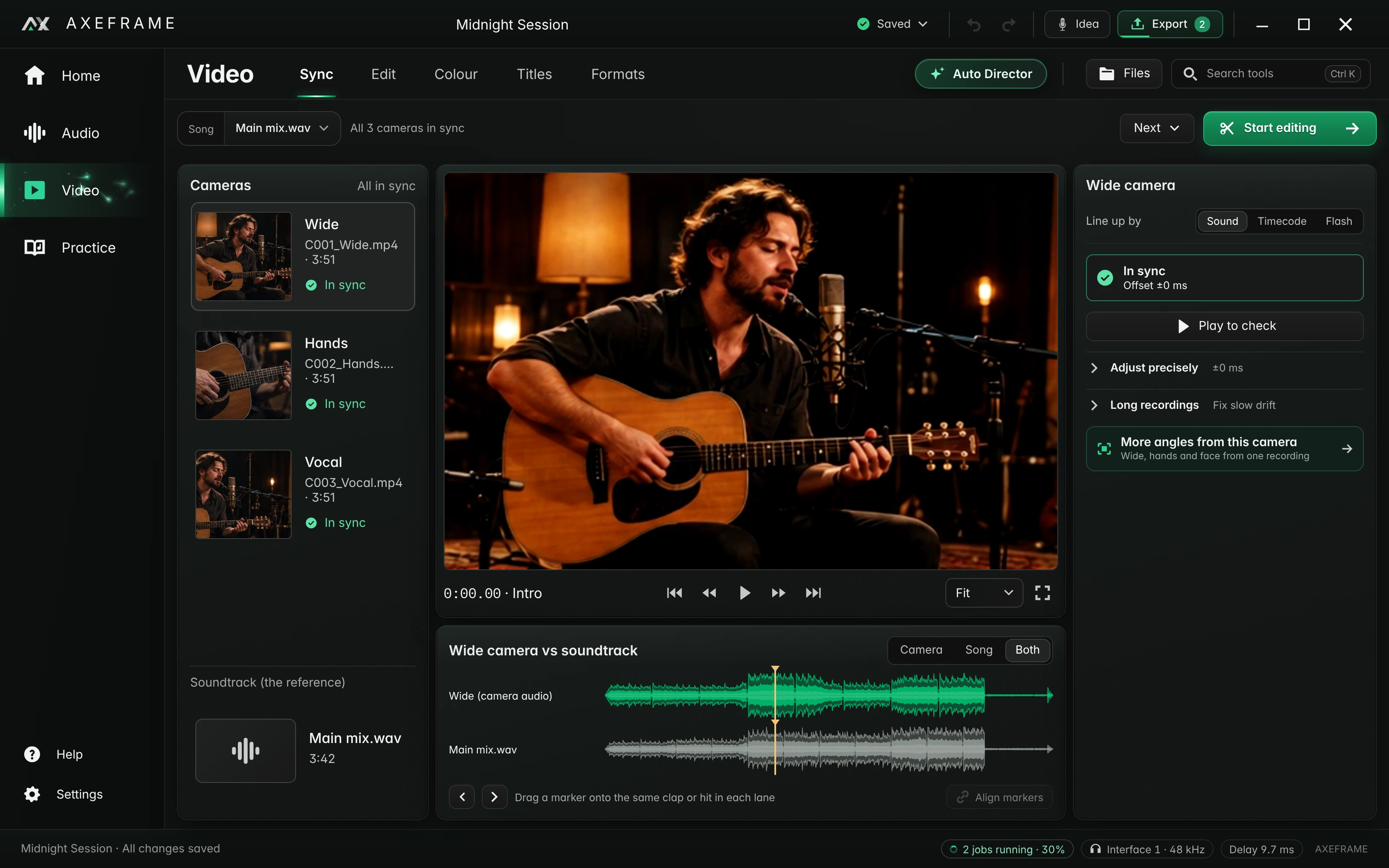
Auto Sync lines every camera up with your studio recording by listening to the sound, and flags any angle it isn’t sure about. No clapperboard needed.
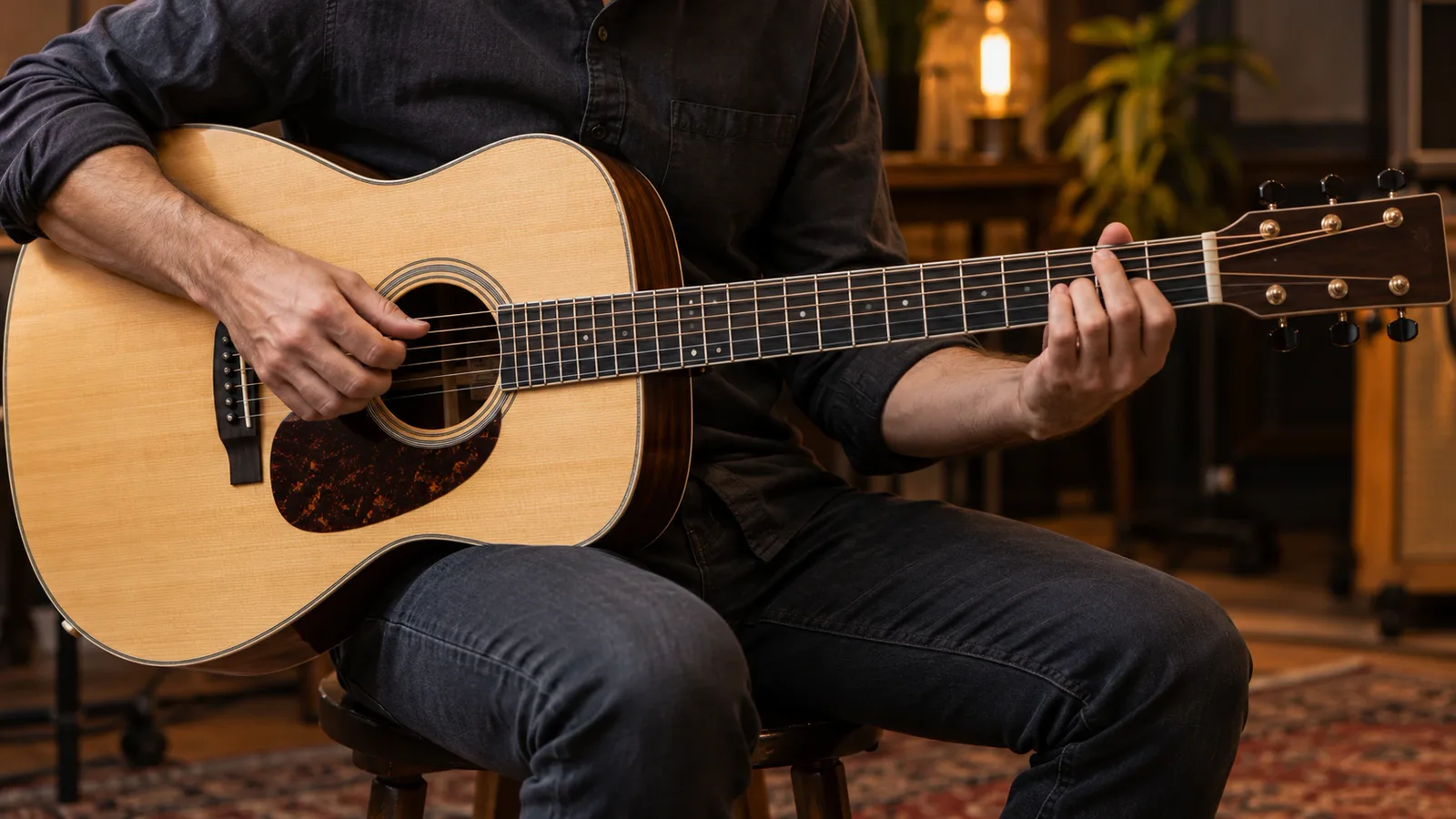
Film a performance from every angle you have, from a camera to a phone. AXEFRAME syncs each camera to your recorded audio, then Auto Director cuts a multicam music video around the song. Every cut stays yours to change.
In development for Windows No account needed to join
Sync · Auto Director · Edit · Colour · Export
Why musicians use it
Auto Sync lines every camera up with your studio recording by listening to the sound, and flags any angle it isn’t sure about. No clapperboard needed.
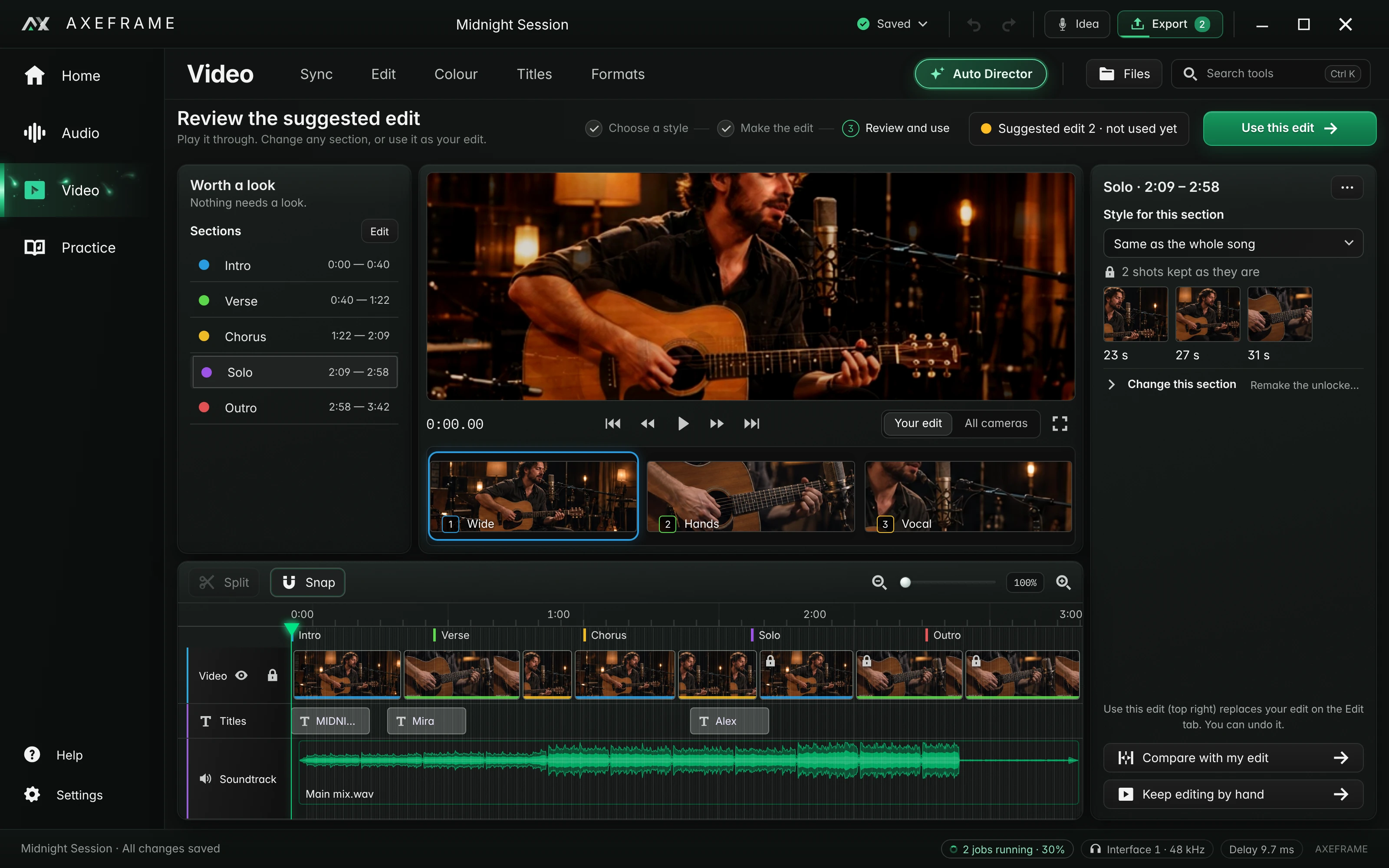
Auto Director proposes shots and cuts around the rhythm, dynamics and sections of the song, in the style you choose: natural, cinematic, high energy and more.
Change any shot, lock the ones you love, remake one section, or switch to the full video editor and cut it by hand.
How it works
Multicam editing usually means hours of lining up clips. AXEFRAME does the slow part for you.
Bring in every camera angle and the finished mix of the song.
Each camera is matched to the soundtrack by its audio, ready to check and adjust.
Pick a style and get a suggested edit, then review it, change it, colour it and export landscape and portrait versions.
A full video editor, when you want it
After the edit, give the whole film a consistent look with colour presets and supported LUTs, add titles and movement, then export the full song in 16:9 and short clips in 9:16 from the same edit.
Because AXEFRAME also records, mixes and masters, the soundtrack and the video live in one project. Change the mix and the video uses the new master.
Straight answers
What it does, what to expect, and where AXEFRAME is heading.
A video of musicians playing a song, usually filmed from several cameras at once (wide, hands, vocal) and cut together to the music. AXEFRAME is built to make that kind of video quickly from your own footage.
Auto Sync compares each camera’s own sound with your recorded soundtrack and lines them up, then flags any match it is unsure of so you can check it. You can also line up by timecode or a flash.
Yes, in the sense that it proposes a complete edit for you: shots and cuts that follow the rhythm, dynamics and sections of the song. Nothing is final until you approve it, and every cut can be changed.
Several, from proper cameras to phones. The exact number per project depends on your plan, which will be announced at launch.
Yes. Export the full song in landscape and short clips in portrait (9:16) from the same edit.
No. AXEFRAME works with footage from cameras and phones alike. Auto Sync lines every angle up to your audio whatever recorded it.
Yes. Record, mix and master in AXEFRAME and the master becomes the video’s soundtrack, updating if you change the mix.
AXEFRAME is in development for Windows and no release date has been announced. Join the waiting list to hear first.
Be part of what comes next
Be first to hear when AXEFRAME’s music video tools are ready.