

Make an instrumental
Turn the vocal down or off and keep everything else: an instrumental of the song to sing over, cover or practise with.

AXEFRAME is being built to remove vocals from a finished song, so you can sing over the instrumental, make a karaoke track, or keep just the vocal as an acapella. It runs on your own Windows PC, with nothing uploaded.
In development for Windows No account needed to join
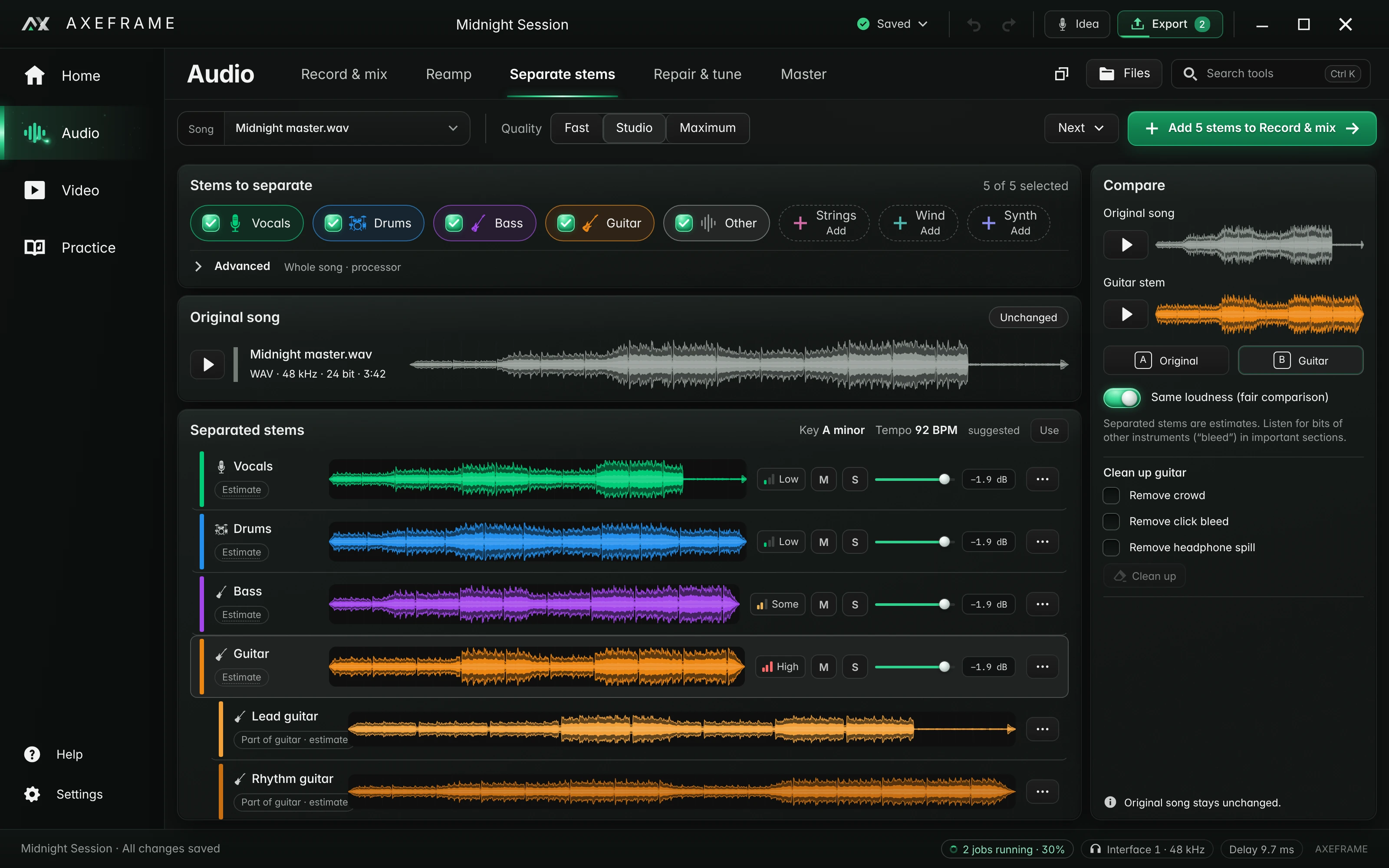
Instrumental · Acapella · Karaoke · Backing track
What people use it for
Turn the vocal down or off and keep everything else: an instrumental of the song to sing over, cover or practise with.
Solo the vocal on its own to learn the phrasing and harmonies, or as a starting point for a remix of a track you have the rights to.
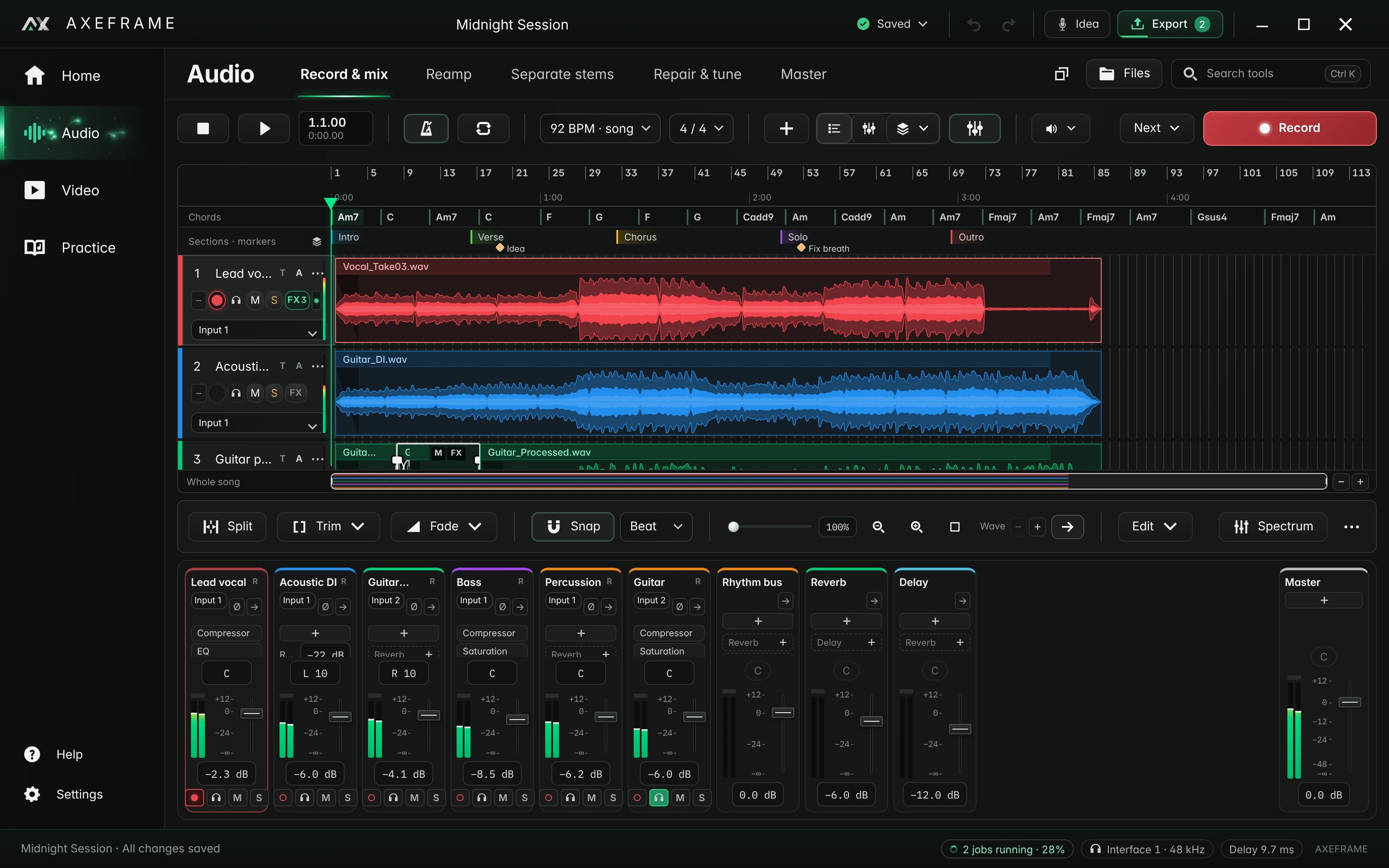
Lower the lead vocal but leave a little in as a guide, then send the result to Record & mix and record your own take over it.
How it works
No uploads, no waiting in an online queue: the separation model runs on your computer.
Drop in an MP3, WAV or another common audio file you have permission to use.
AXEFRAME splits the song into vocals and the rest. Choose Fast or a higher quality, depending on the model you have installed.
Mute the vocal for an instrumental, solo it for an acapella, compare against the original, then export or send it to Record & mix.
More than a vocal remover
The same separation also gives you drums, bass, guitar and the rest of the band. Remove the drums to practise along, remove the guitar to play the part yourself, or turn the bass up to learn the line.
Separated parts are estimates. On busy mixes some of the vocal can bleed into the instrumental, and reverb can leave a faint trace. AXEFRAME lets you compare the result with the original at the same loudness, so you can hear exactly what you have.
Straight answers
What it does, what to expect, and where AXEFRAME is heading.
Bring the song into AXEFRAME’s Separate stems, let it separate the vocal from the rest, then mute the vocal. What is left is the instrumental, which you can export as an audio file or send straight to Record & mix to sing or play over.
Yes. Solo the separated vocal instead of muting it and you have an acapella: the voice on its own, as an estimate taken from the finished mix.
Not always. A vocal remover estimates the parts from a finished mix, so on dense recordings some of the voice or its reverb can remain. AXEFRAME lets you compare the result with the original at the same loudness so you can judge it.
No. The separation is designed to run on your own Windows PC with a model you download once inside AXEFRAME. Nothing is sent to an online service.
Yes. Turn the vocal down rather than off to keep a quiet guide, then export the track or record your own vocal over it in Record & mix.
A vocal remover separates the voice from everything else. A stem splitter goes further and separates the band too: drums, bass, guitar and the rest. AXEFRAME does both with the same tool, so you can remove the vocal, the drums or the guitar.
Yes. Mute any separated part, not just the vocal, to make a backing track without drums, without guitar or without bass to play along with.
AXEFRAME is in development for Windows and no release date has been announced. Join the waiting list to hear first when it is ready.
Be part of what comes next
Be first to hear when AXEFRAME’s vocal remover is ready.