



Make room for
your performance.
Mute a supported vocal or instrument part and play along with the rest. Turn a finished recording into a backing track for your next practice session.
AXEFRAME’s AI stem splitter is being built to split finished songs into vocals, drums, bass, guitar and more, right on your own PC, so you can practise, make guitar backing tracks and instrumentals, and shape a new mix.
In development for Windows No account needed to join
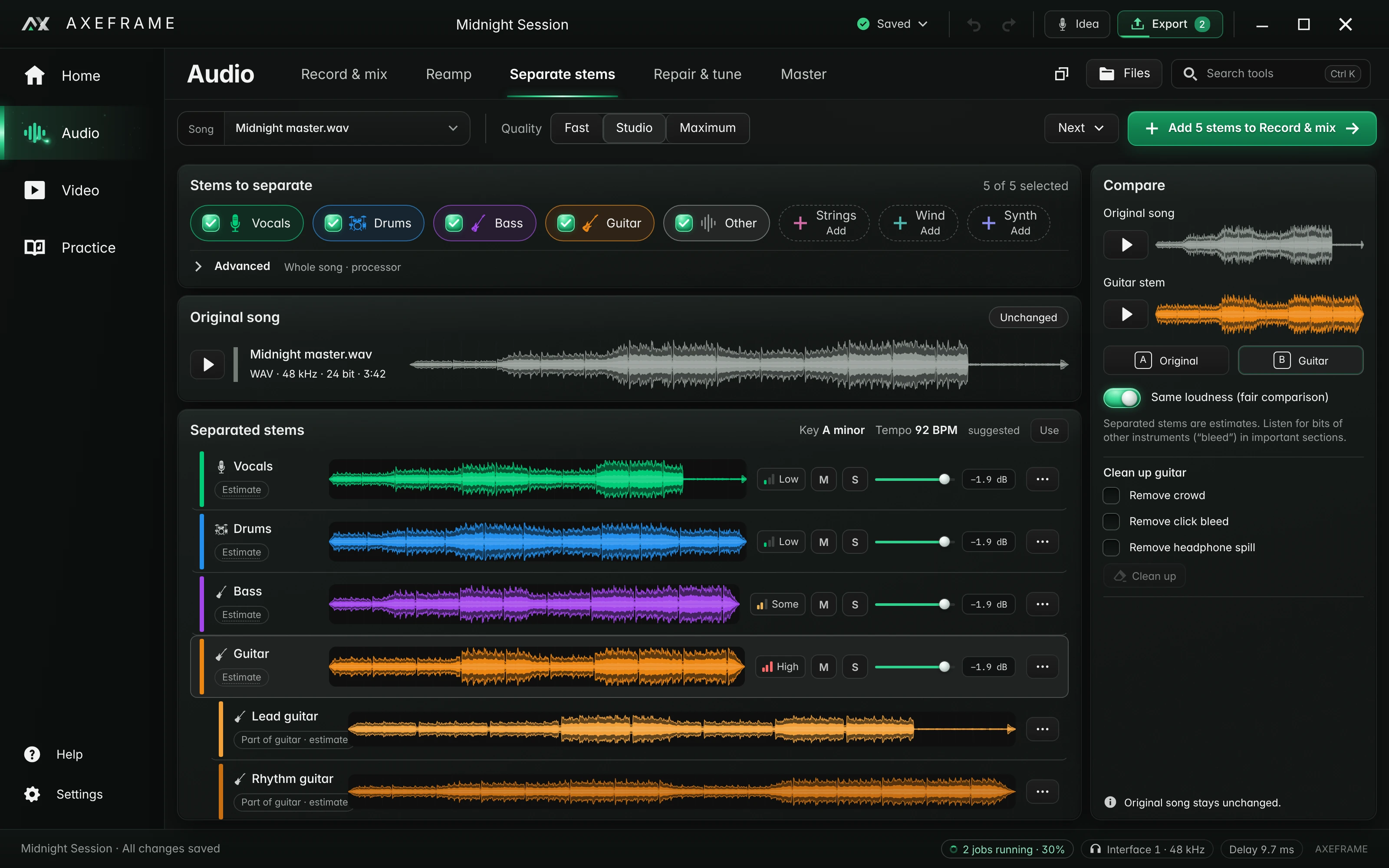
Vocals · Drums · Bass · Guitar · Other
Built around the way you make music
Mute a supported vocal or instrument part and play along with the rest. Turn a finished recording into a backing track for your next practice session.

Focus on a melody, bass line or drum part. Hear how a musical idea fits together, and work through the passages you want to understand.
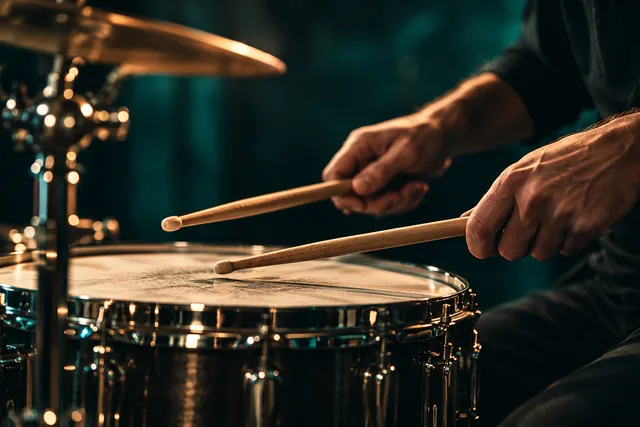
Rebalance supported parts and explore a new arrangement. Move from listening to shaping your own version of the music.
The planned workflow
Bring a recording into focus, then decide what you want to make of it.
Start with a finished track or a recording you have permission to use.
Select the separation model and the vocal or instrument parts it supports.
Audition the estimates against the original before adding or exporting stems.
More than the separation
Take selected stems into Record & Mix, shape a new balance, or export individual audio files. Only need the voice gone? Try the vocal remover.
AXEFRAME connects the planned audio workflow with tools for music performance video. Keep your next idea moving.
Join the waiting list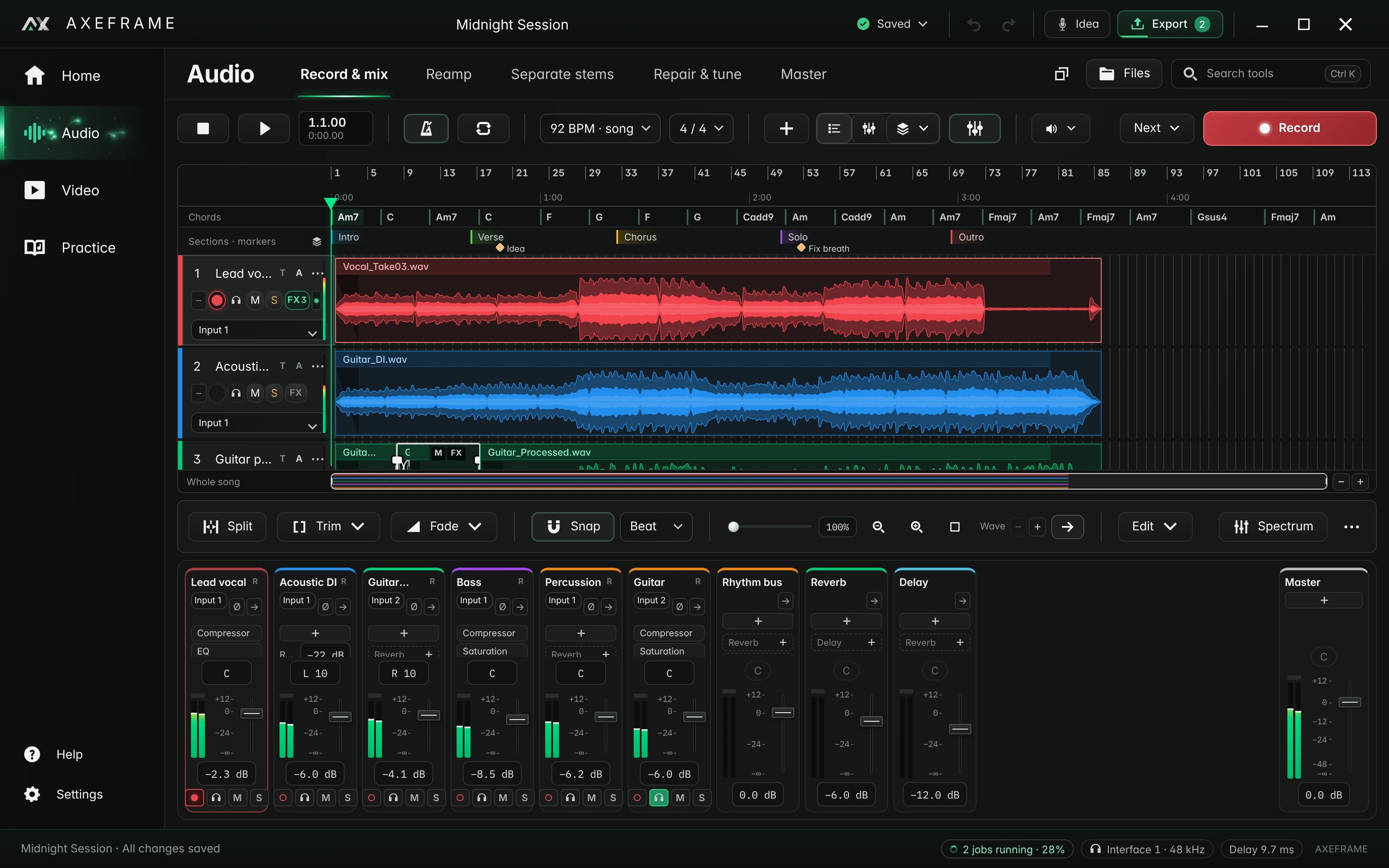
A closer listen
What the workflow is for, what to expect from separated audio, and where AXEFRAME is heading.
Stem separation estimates individual musical parts from a finished audio recording. A stem separator, also called a stem splitter, can help you hear a vocal, drum, bass or other supported part on its own, or rebalance those parts together. AXEFRAME is being built to bring this workflow into a music and performance-video studio for Windows.
Yes. AXEFRAME splits songs with AI separation models that you download once inside the app and that run on your own Windows PC, so nothing is uploaded. You can make guitar backing tracks, instrumentals, acapellas and karaoke tracks, or remove the drums or the guitar to play along.
The planned interface includes vocals, drums, bass, guitar and other accompaniment. The parts available will depend on the supported separation model. A five-part interface does not mean that every recording or model can produce five useful, isolated stems.
Vocal isolation and vocal removal are two uses of stem separation: listen to an estimated vocal on its own, or reduce it to make an instrumental backing track. Separating multiple instrument parts can also give you more control over the balance of a song. AXEFRAME’s separation feature is in development; this page is a product preview, not an online vocal-removal tool.
That is one of the planned uses. Reduce a supported vocal or instrument part, then play or sing along with the remaining mix. You could also focus on a bass line, drum pattern or melody you want to learn. How useful a backing track sounds will depend on the recording and the separation result.
The planned workflow lets you audition the separated parts, send selected stems into AXEFRAME’s Record & Mix workspace, or export individual audio files. The interface previews show the intended workflow; final launch features and availability have not been announced.
No. Original multitracks are the separately recorded sources used to make a mix. Separated stems are estimates extracted from the finished recording. Overlapping instruments, effects and reverberation can leave bleed or artefacts, so separation should not be treated as a way to recover the exact original tracks or an exact clean guitar DI.
AXEFRAME is in development for Windows, and stem separation is not available to use on this website. Join the waiting list to hear when it is ready. You do not need an AXEFRAME account to join, and joining the list does not start a paid subscription.
Be part of what comes next
Be first to hear when stem separation is ready.